
Works with Awesome Golf
The best simulator for the FlightScope X3C
Turn your FlightScope X3C into a full golf simulator, with range practice, challenges, arcade shootouts and 12+ courses.
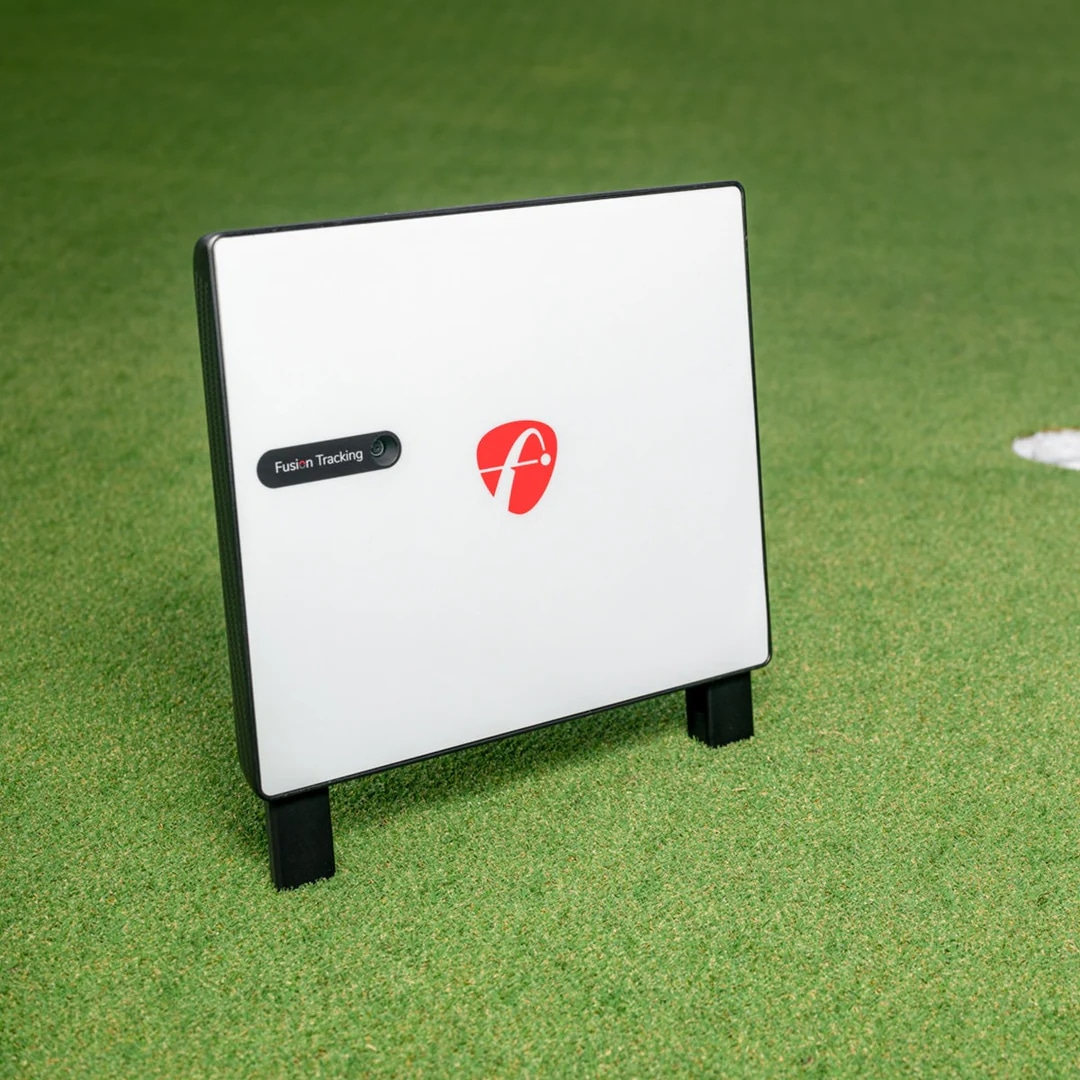
Every game mode included
Why FlightScope X3C owners choose Awesome Golf
Every game mode
Range, Challenges, Shootouts and Virtual Golf, all included.
Any device
Use your FlightScope X3C with the same licence on phone, tablet, laptop or PC.
Insights built in
Deep analysis and trends from every shot you hit.
Fun for everyone
Five tee positions and monthly worldwide challenges.
Connect your FlightScope X3C in three steps
Get the Simulator app
Download it on iOS, Android, PC, ChromeOS or macOS and start your free trial.
Connect your FlightScope X3C
Switch it on and choose it from the device list.
Hit your first shot
Take a test swing, check the numbers land, and pick a game mode.
Need a hand? FlightScope X3C setup guide in our knowledge base
Play every mode
Your numbers, explained
Metrics depend on what your launch monitor measures.
All metrics explainedFlightScope X3C FAQs
Does Awesome Golf work with the FlightScope X3C?
Yes. Awesome Golf supports the FlightScope X3C.
Which devices can I use with my FlightScope X3C?
Every licence is multi-platform. Use the same launch monitor with the Simulator on iOS, Android, PC, ChromeOS or macOS.
Can I try it before I buy?
Yes. Every plan starts with a 14-day free trial with full access to every game mode and course.
Which metrics will I see with the FlightScope X3C?
You will see every metric your launch monitor reports. Check our Metrics page for what each number means.
Other FlightScope models & brands
Plug in your FlightScope X3C.
14 days free. Every mode, every course.