
Plug in. Tee up.
Bring your own launch monitor.
Awesome Golf talks to the biggest names in ball tracking. Find yours below, then you're three steps from the first tee.
Find your launch monitor
All 24 supported launch monitors
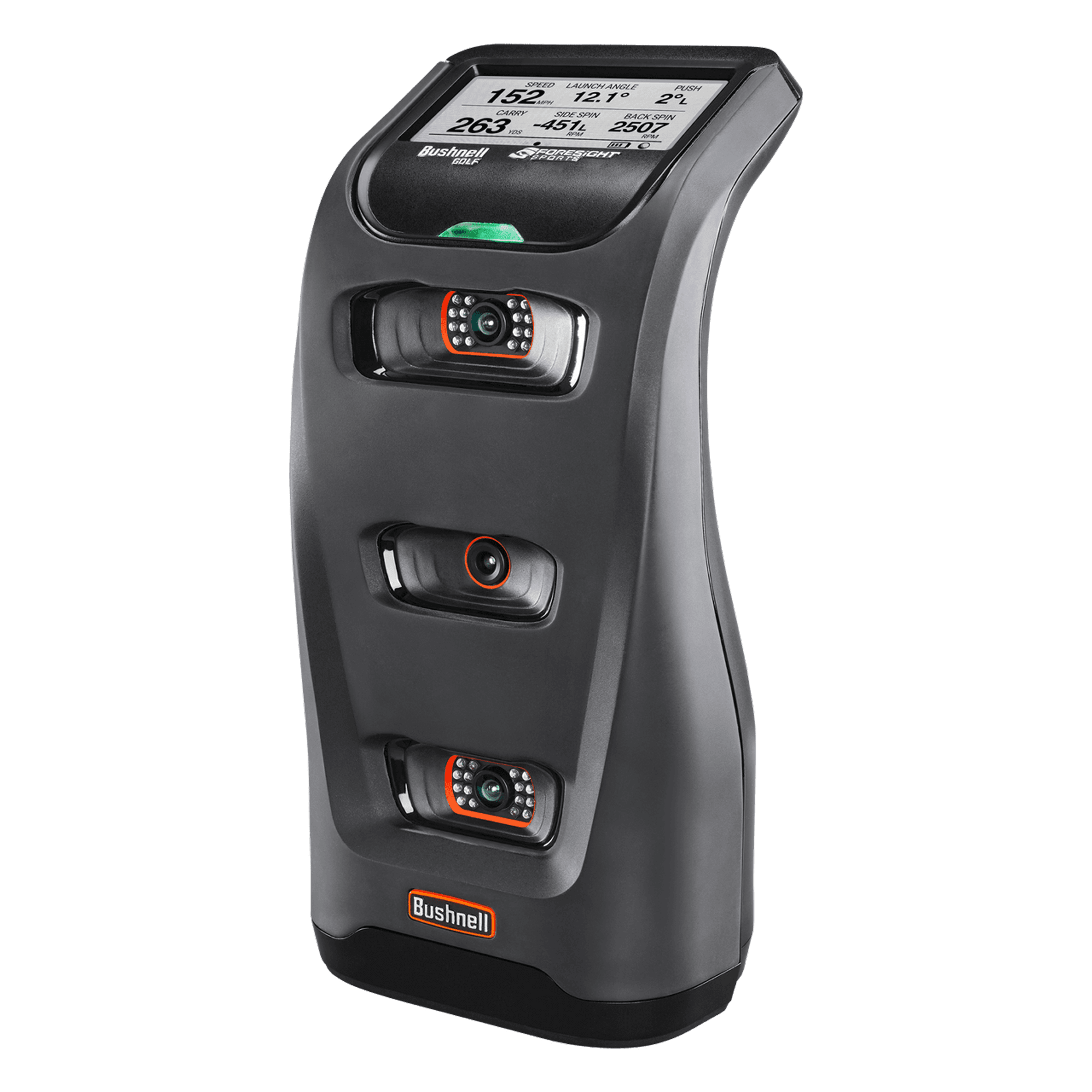
- BushnellLaunch ProConnection guide
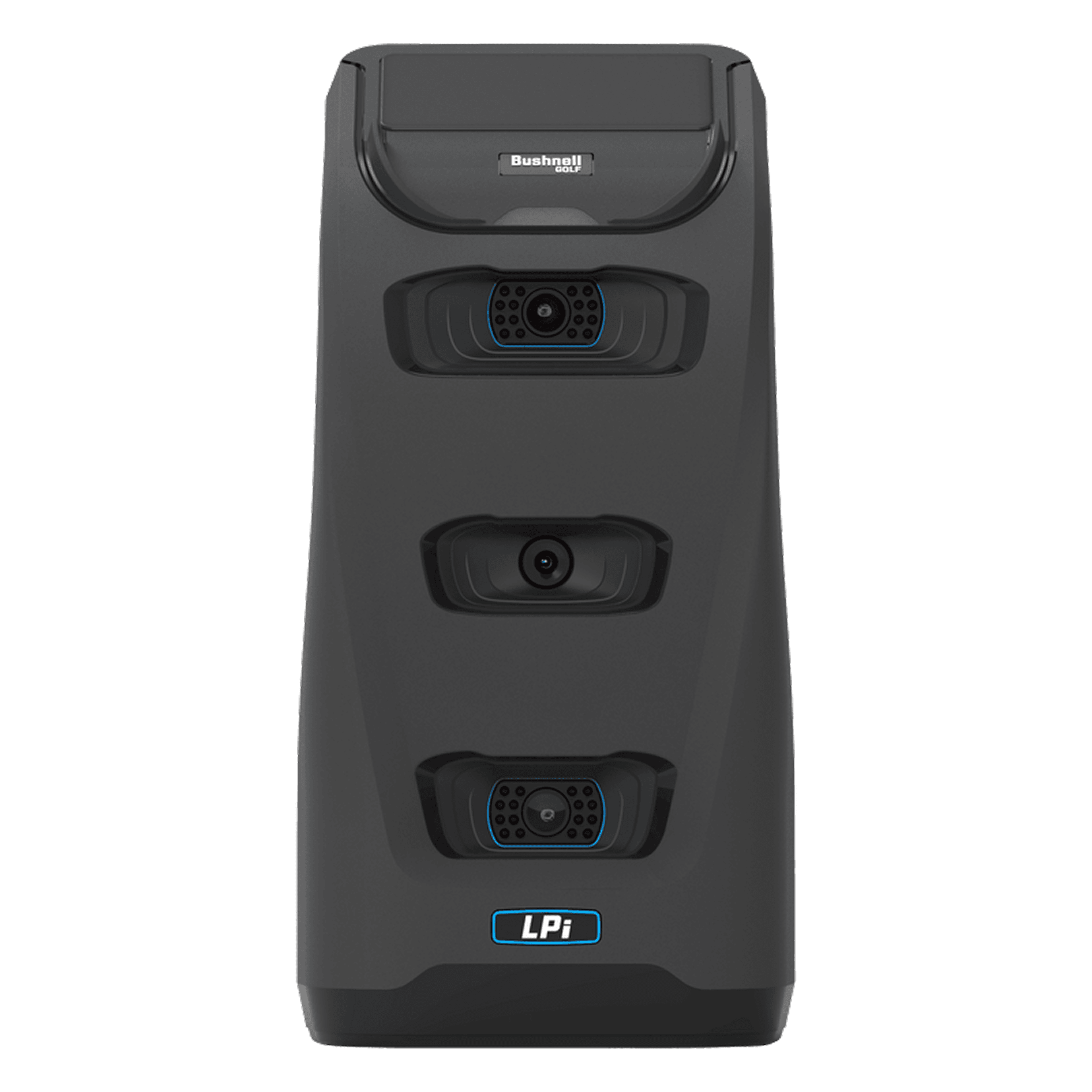
- BushnellLaunch Pro Indoor (LPi)Connection guide
- FlightScopeMevo Gen2Connection guide
- FlightScopeMevo+ (Plus)Connection guide
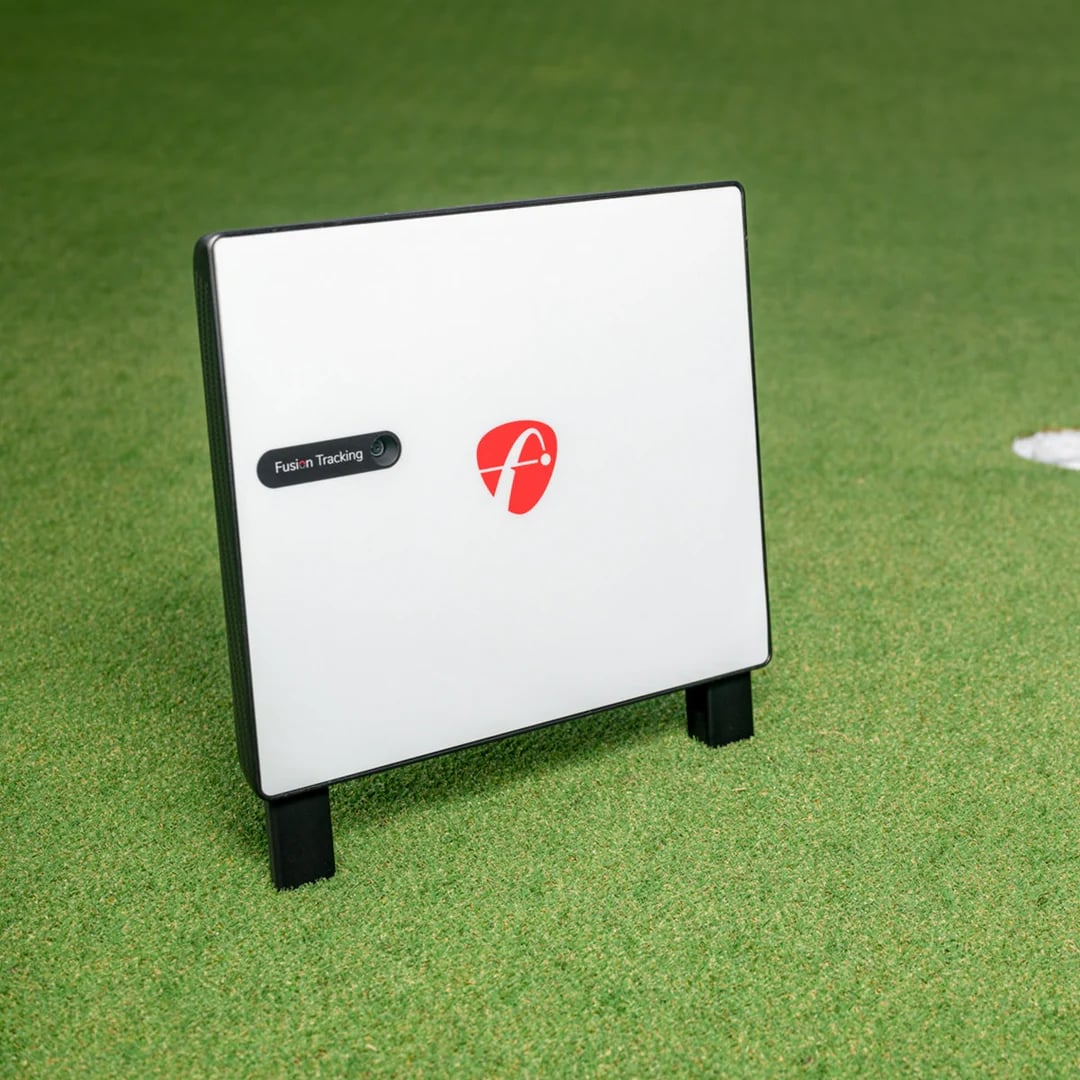
- FlightScopeX3CConnection guide
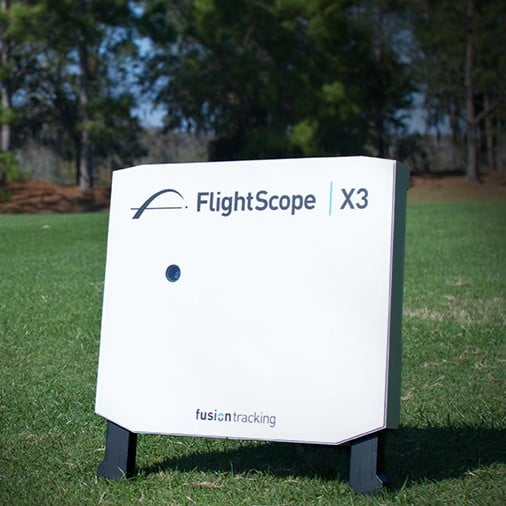
- FlightScopeX3Connection guide
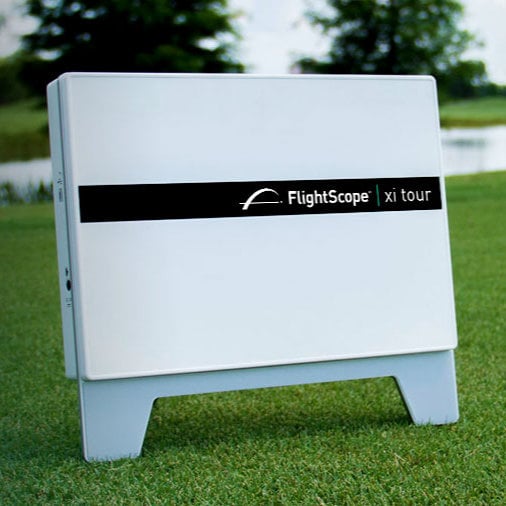
- FlightScopeXi TourConnection guide
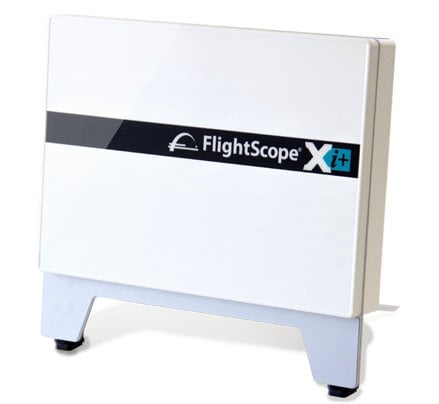
- FlightScopeXi+ (Plus)Connection guide
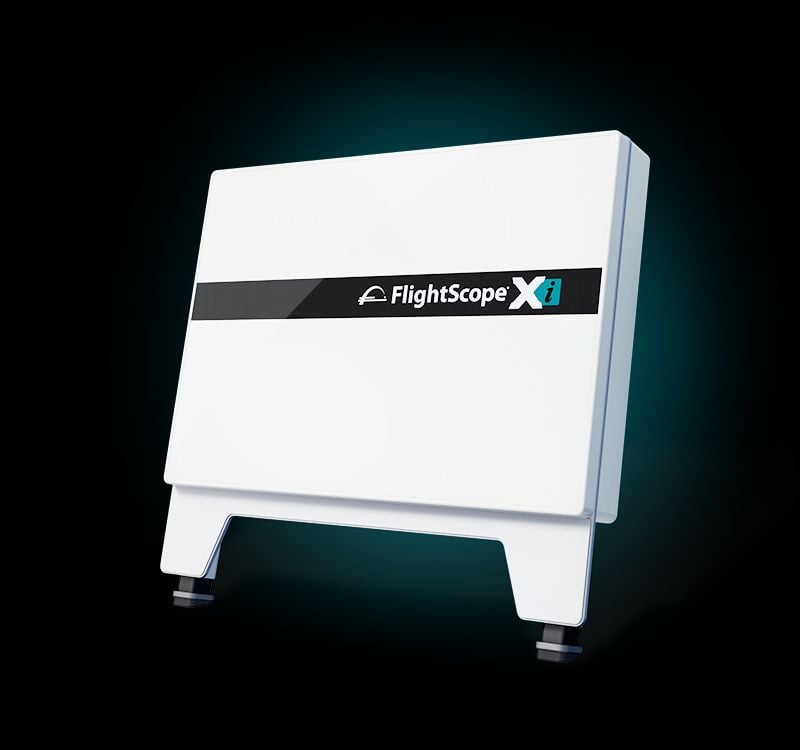
- FlightScopeXiConnection guide
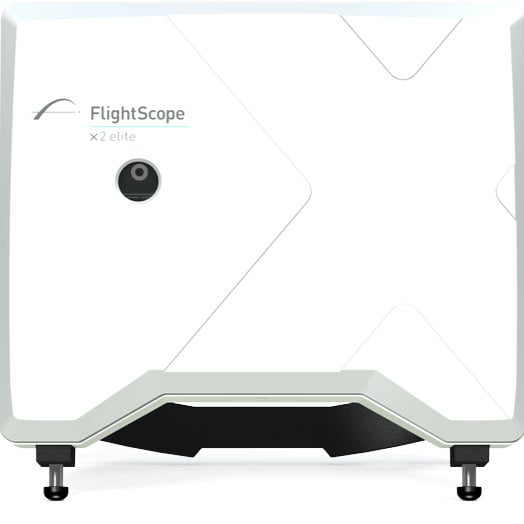
- FlightScopeX2 EliteConnection guide
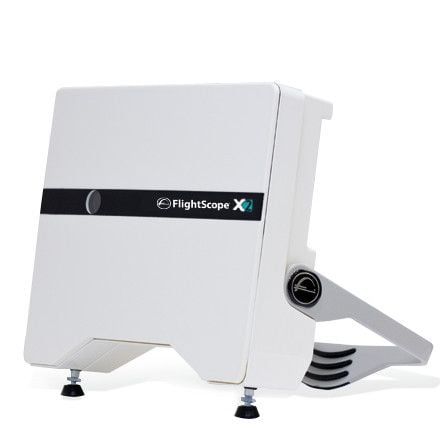
- FlightScopeX2Connection guide
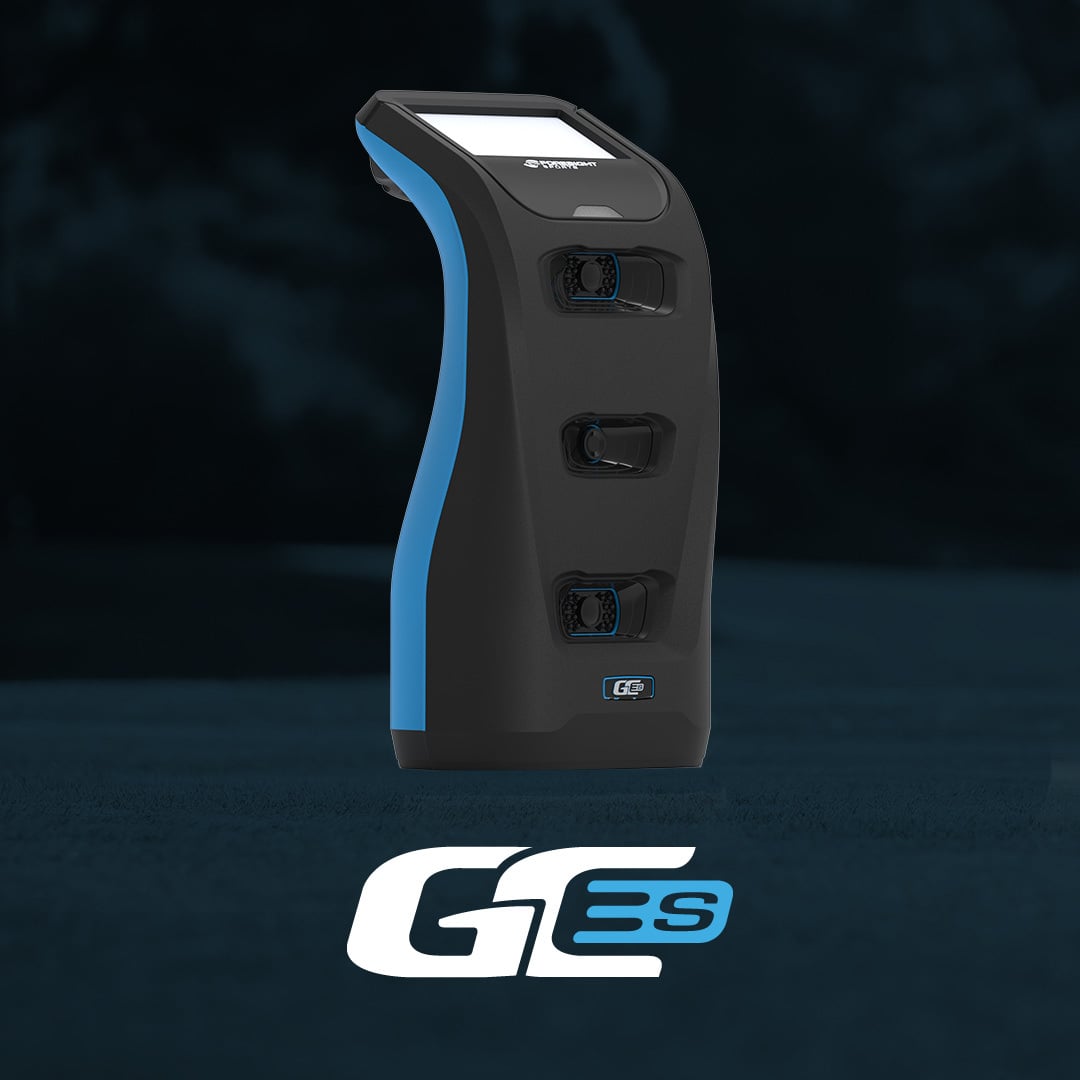
- Foresight SportsGC3SConnection guide
- Foresight SportsGC3Connection guide
- Foresight SportsGCQuadConnection guide
- Foresight SportsQuadMAXConnection guide
- Foresight SportsGCHawkConnection guide
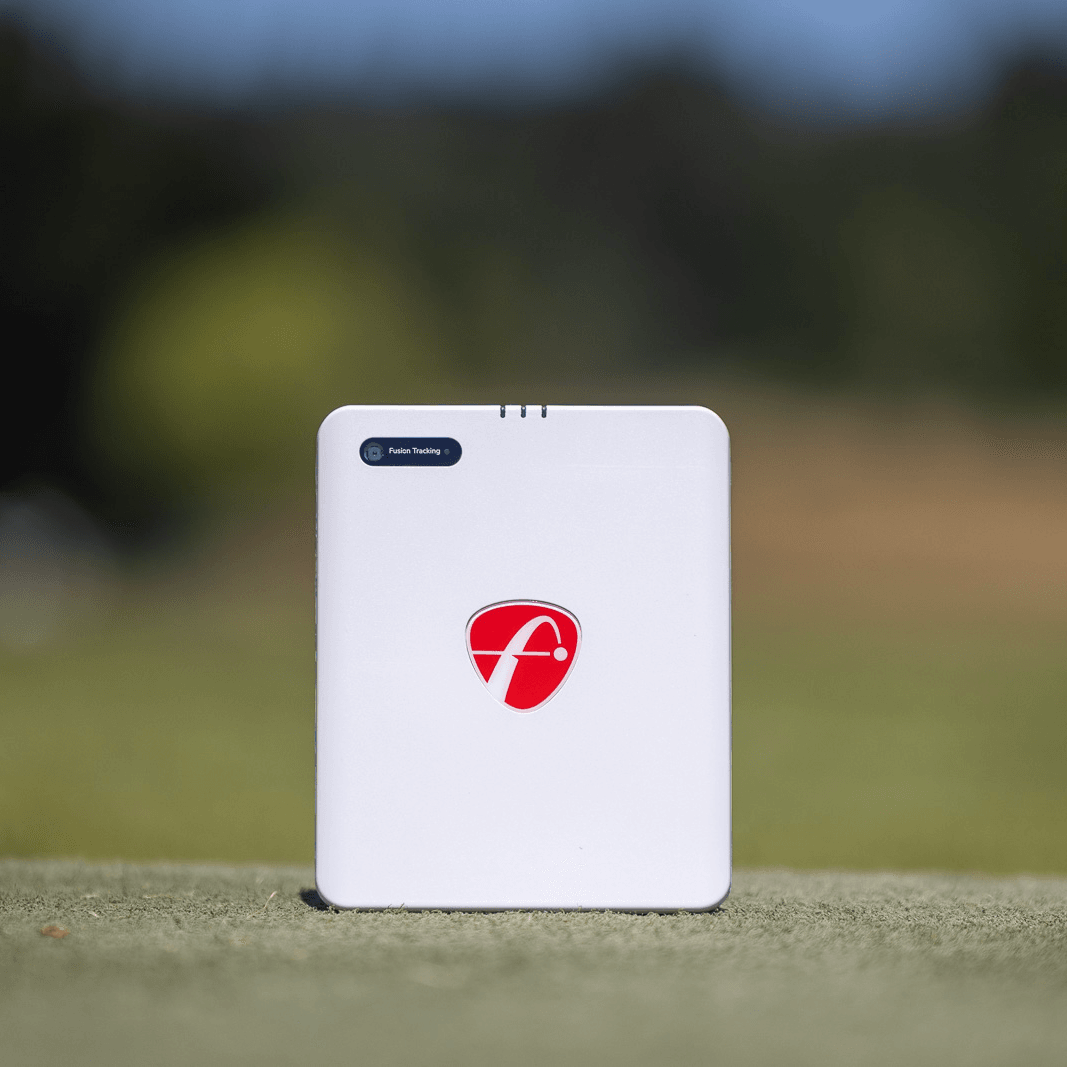
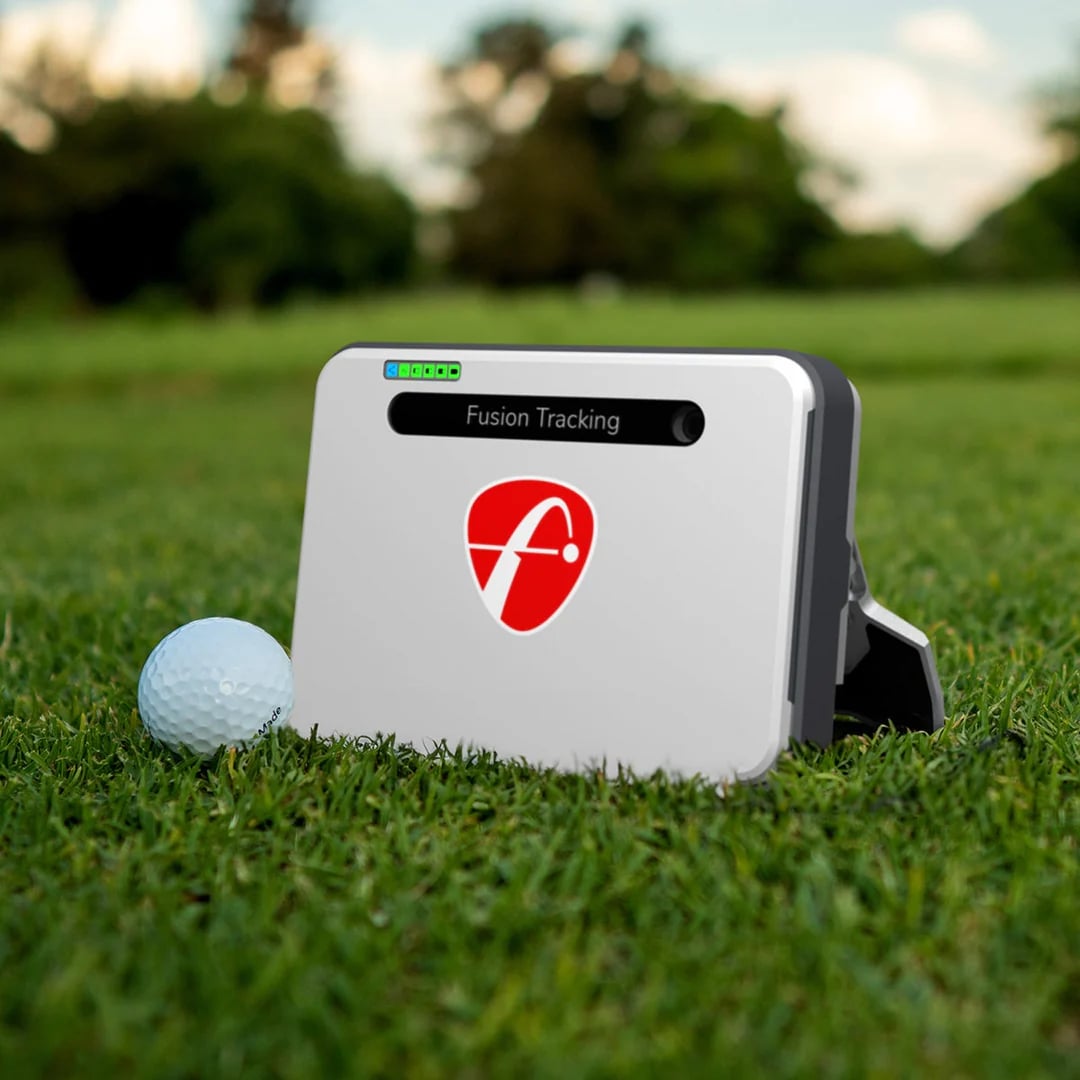
- Foresight SportsFalconConnection guide
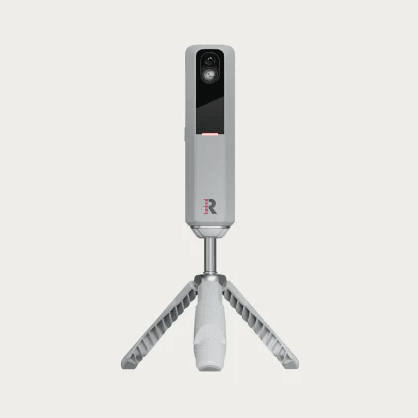
- GarminApproach R10Connection guide
- GarminApproach R50Connection guide
- RapsodoMLM2XPROConnection guide
- RapsodoMLM2PROConnection guide
- Square GolfOmniConnection guide
- Square GolfHomeConnection guide
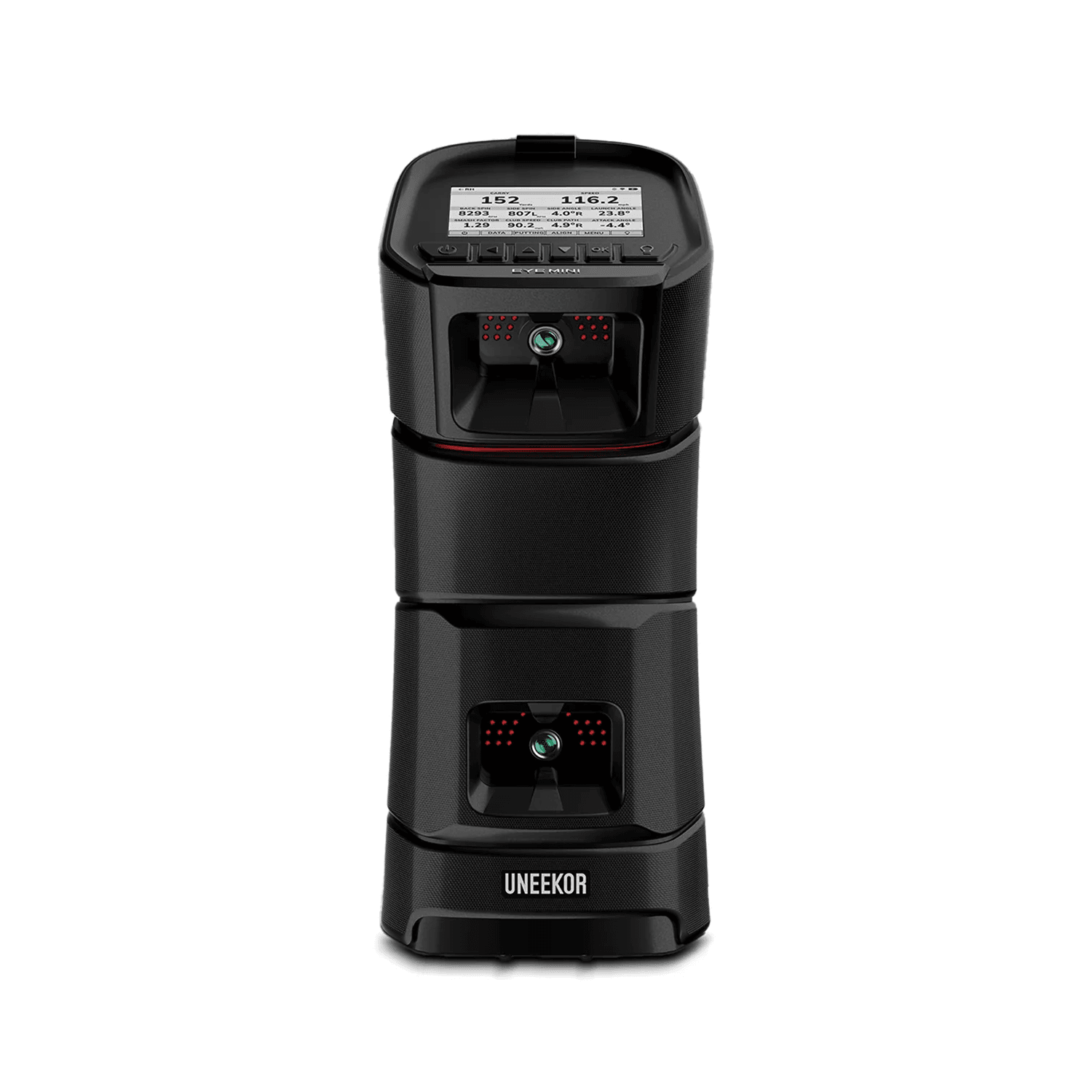
- UneekorEYE MINIConnection guide
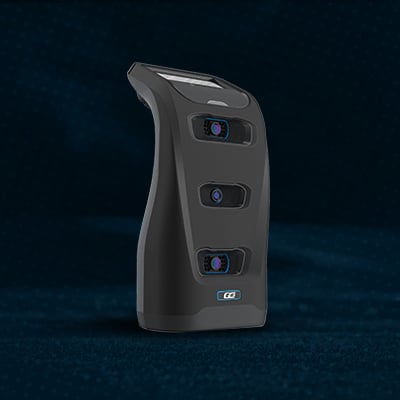
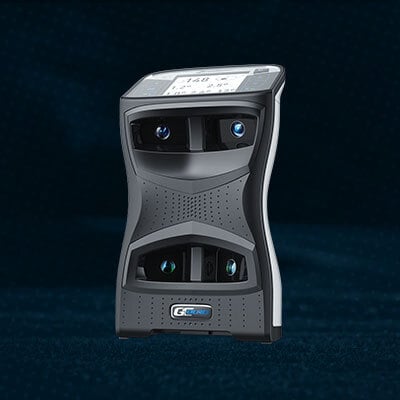
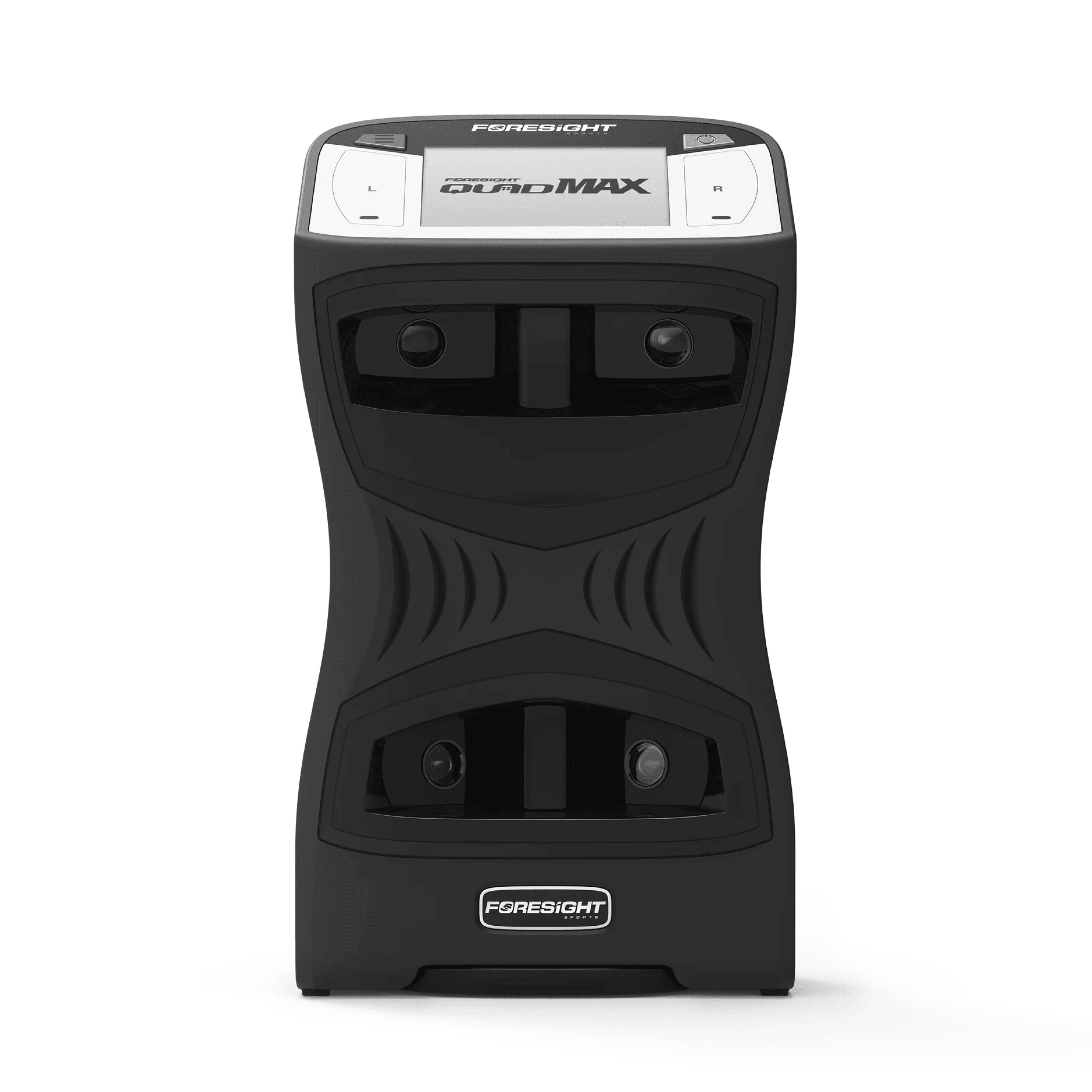
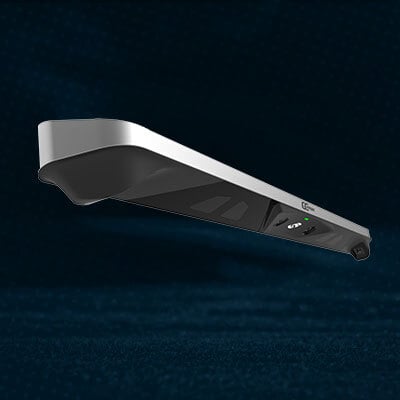
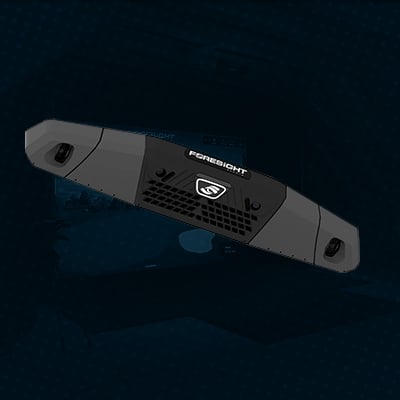
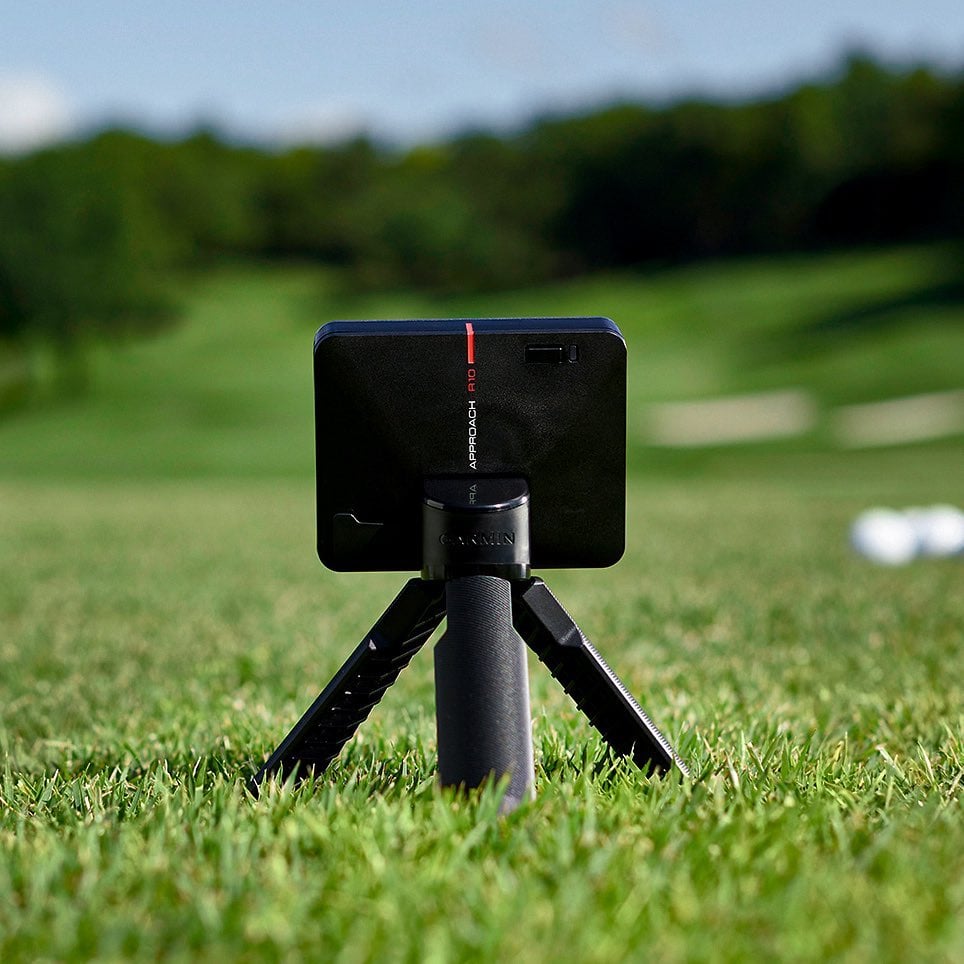
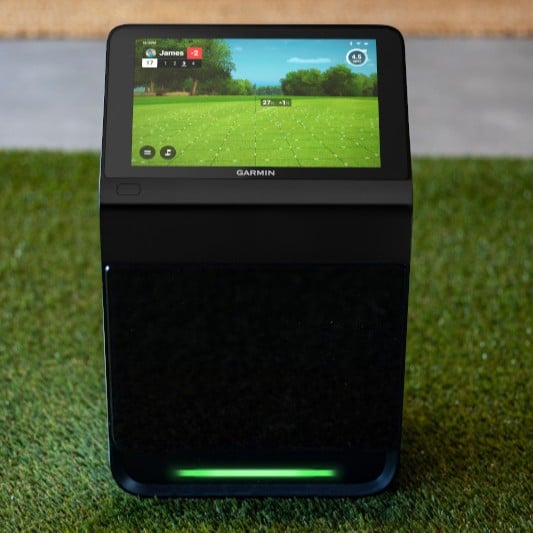
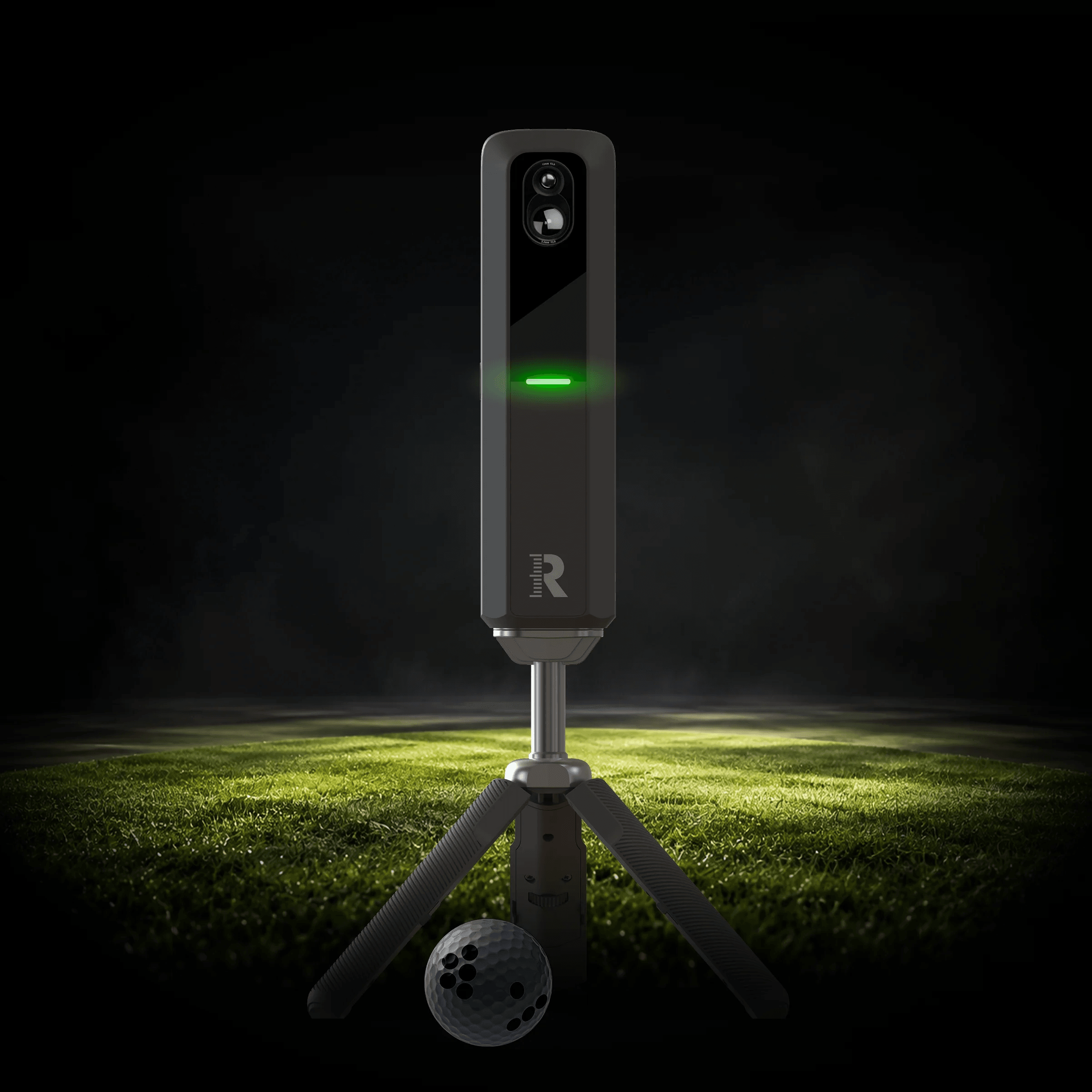
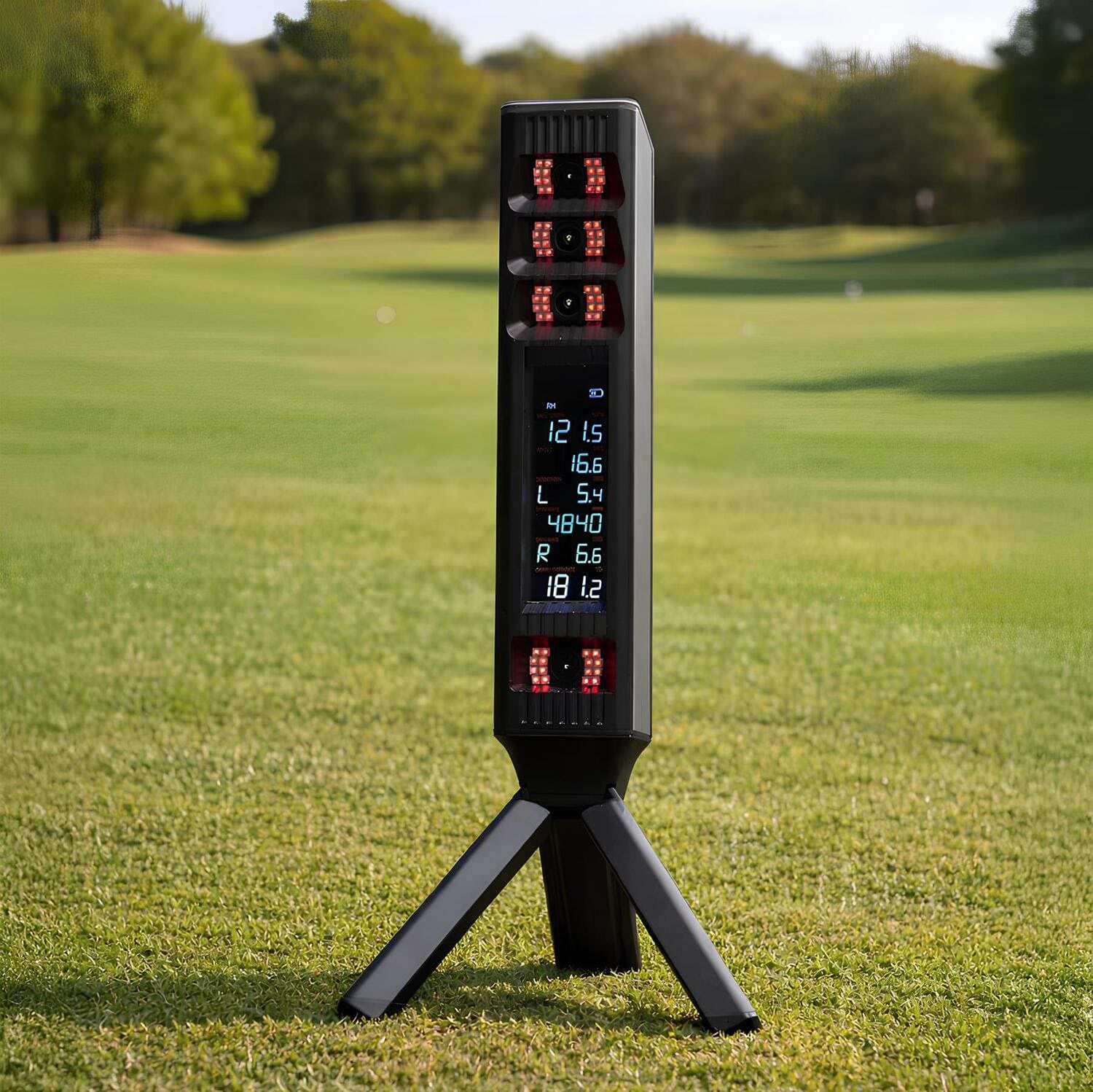

Every model links to its connection guide in our support docs. Can't see yours? Ask our support team · What do the numbers mean? Metrics explained
Paired in three steps.
Get the Simulator app
Download it on iOS, Android, PC, ChromeOS or macOS and sign in.
Switch on & connect
Power up your launch monitor and pick it from the device list. Bluetooth or Wi-Fi, we handle the handshake.
Hit a test shot
Take a swing, watch the numbers land, and choose your first game mode.
Away from home?
Play it at the range. Or indoors.
Take your launch monitor to the range, or play in the bays at venues around the world.
Play in the bays
Ranges around the world run Awesome Golf built in. Grab a bucket, pick a game and go.
Bring your own kit
Set your launch monitor behind the mat, open the app on your phone or tablet and play any range.
Go indoors
Indoor golf venues run Awesome Golf in their bays too. Book a slot and play whatever the weather.
Found yours? Tee off tonight.
14 days free. Every mode, every course.